
Your notebook, only searchable
You already think better on paper. The problem has always been what happens afterwards — the notebook goes in a drawer, and three weeks later you can’t find the one page you need.
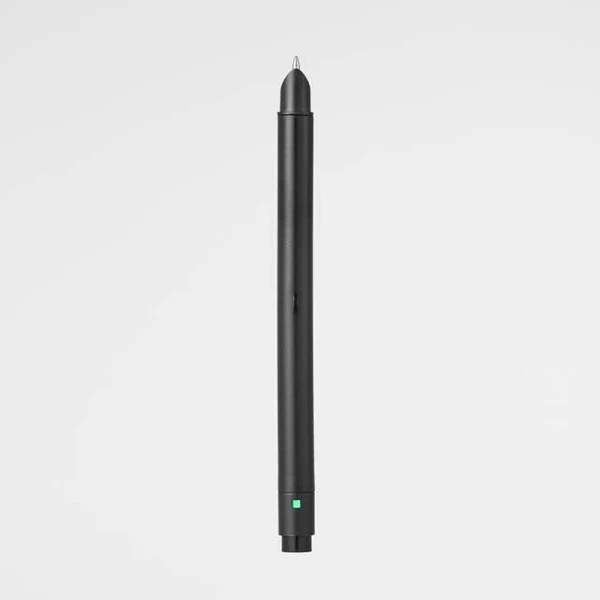
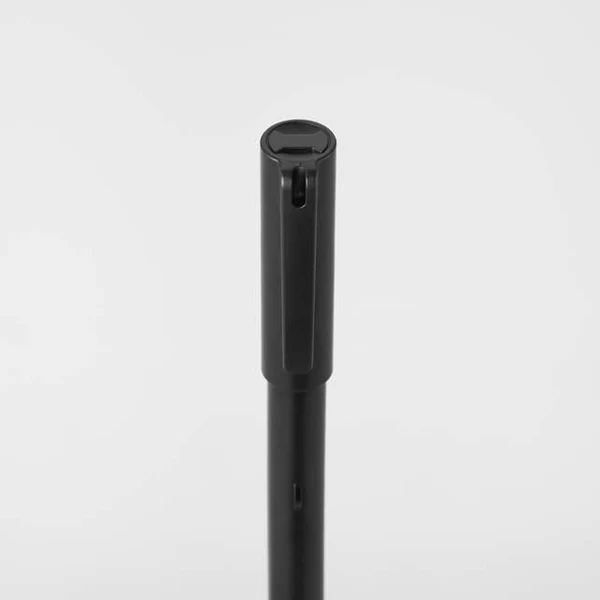
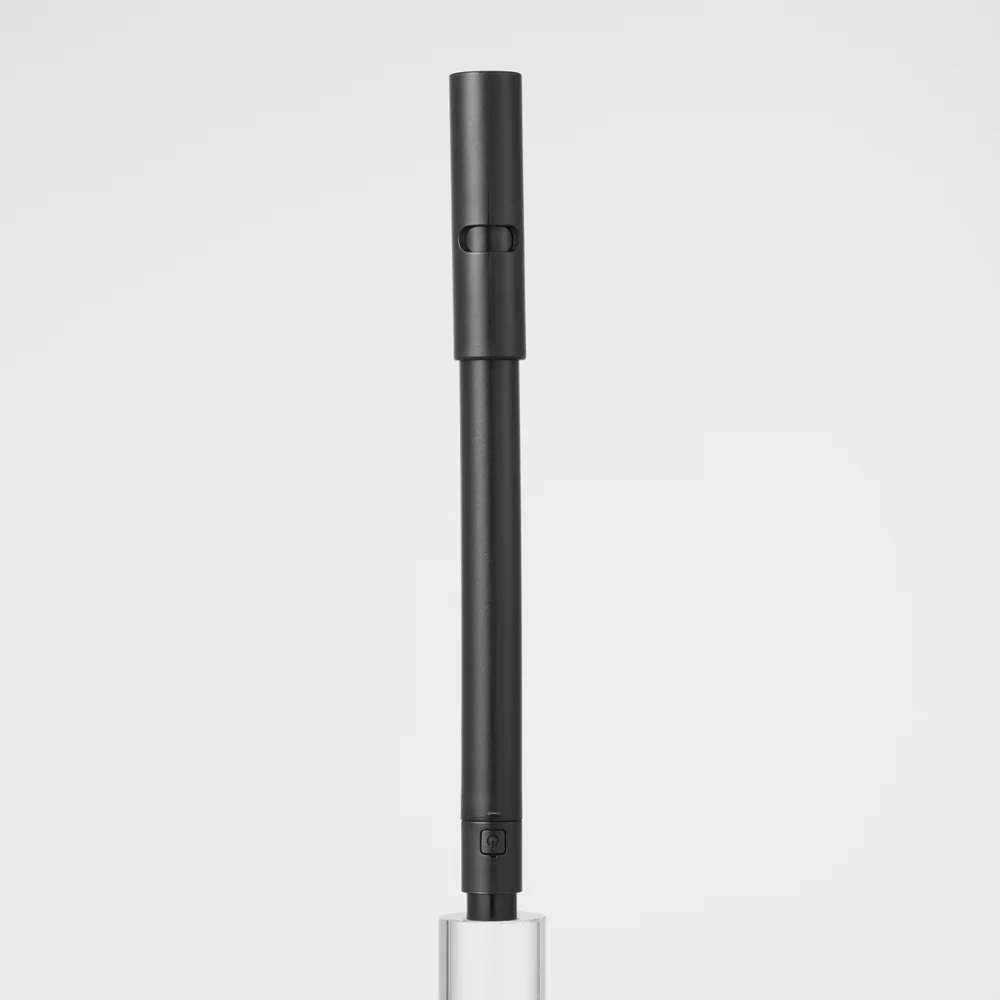
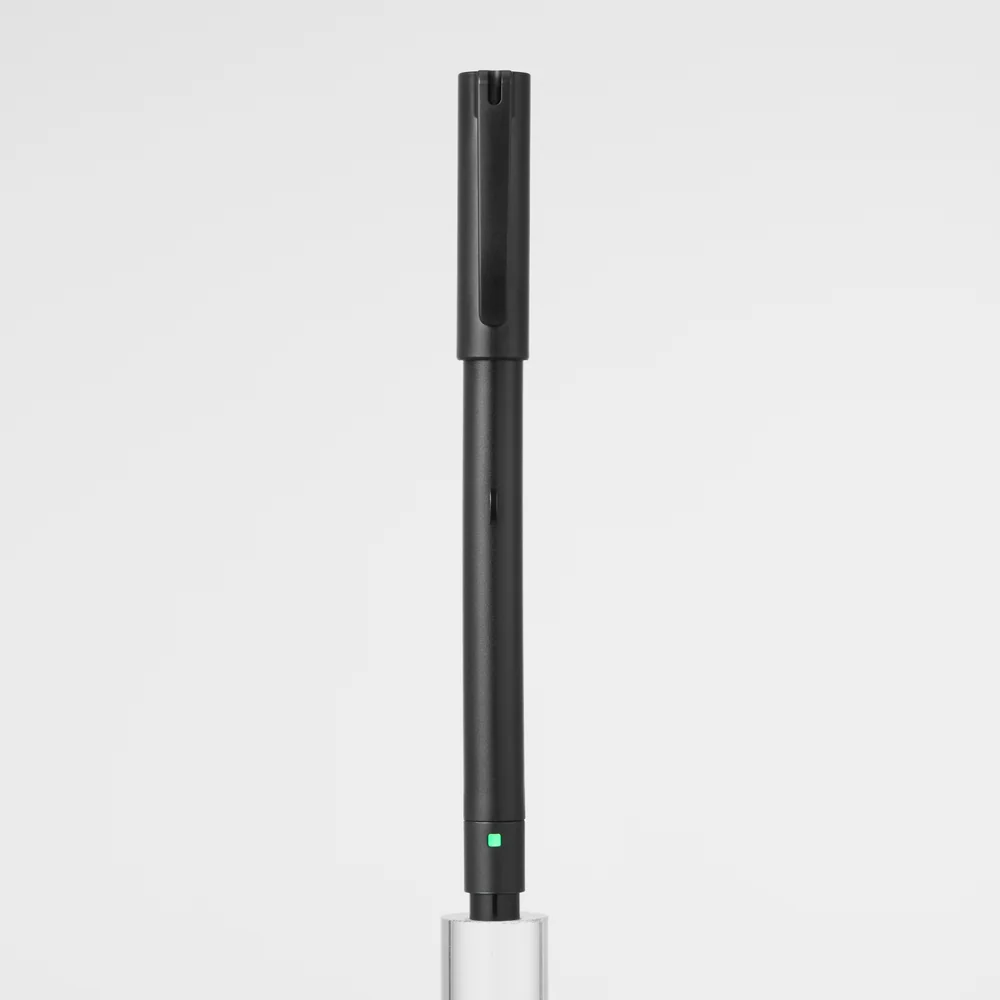
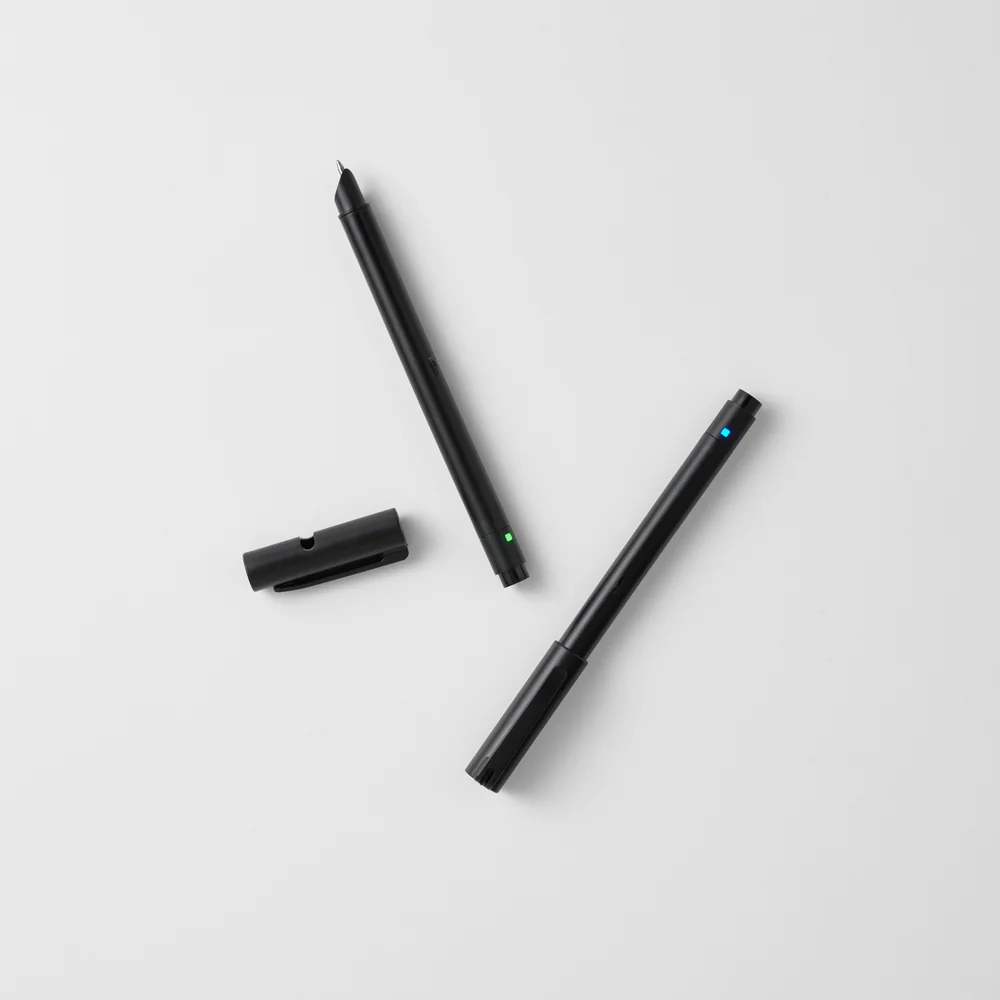
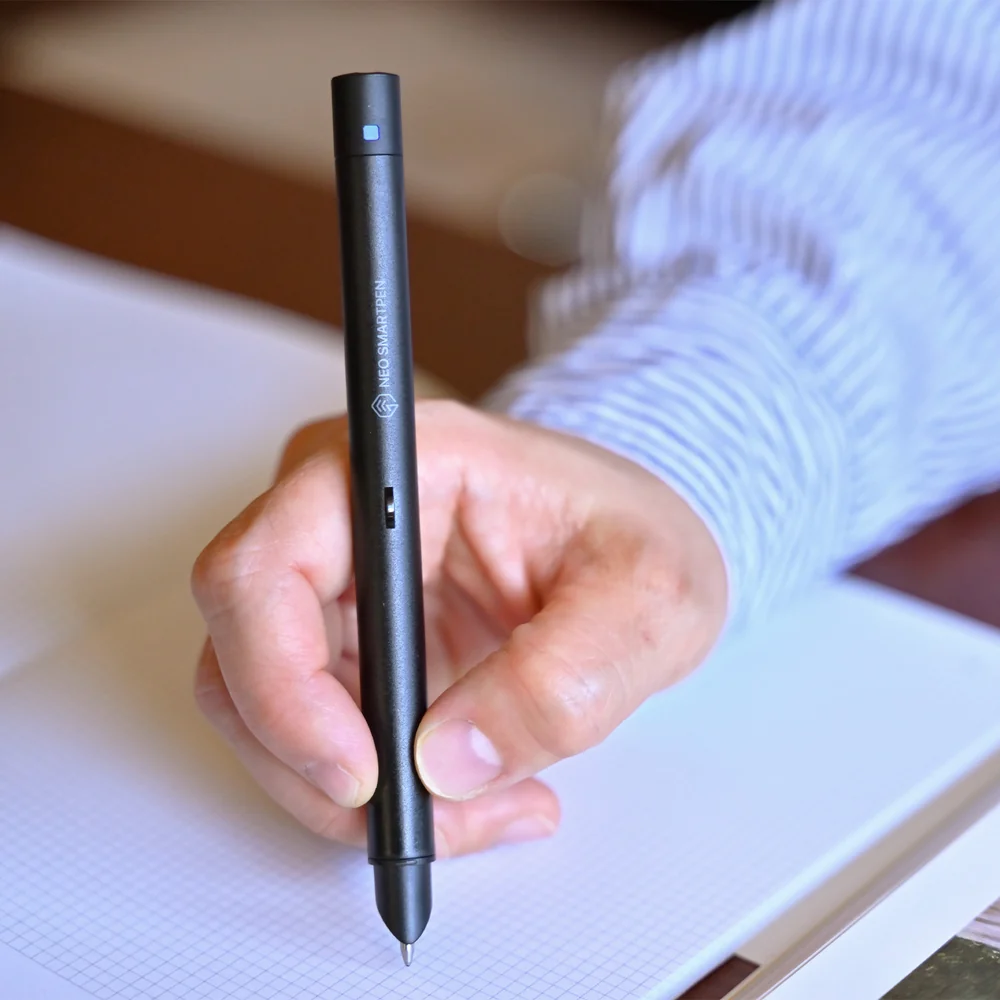
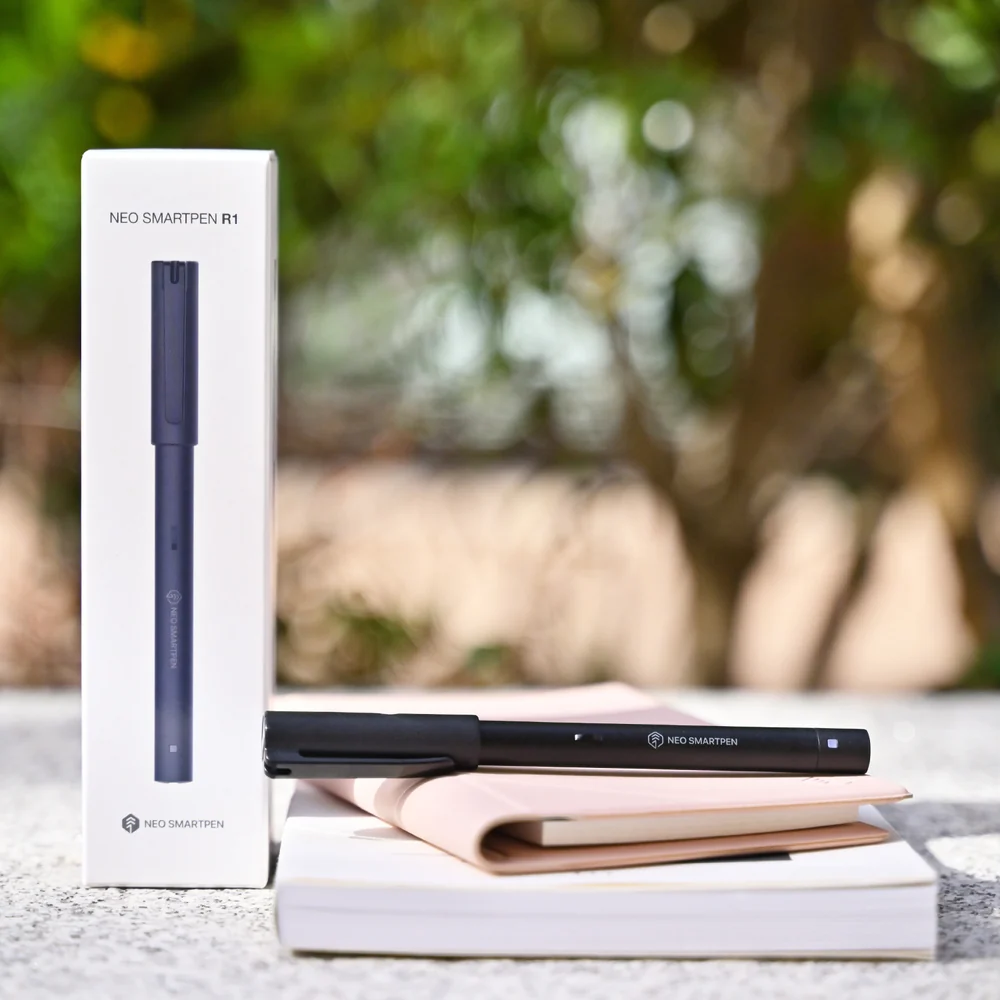
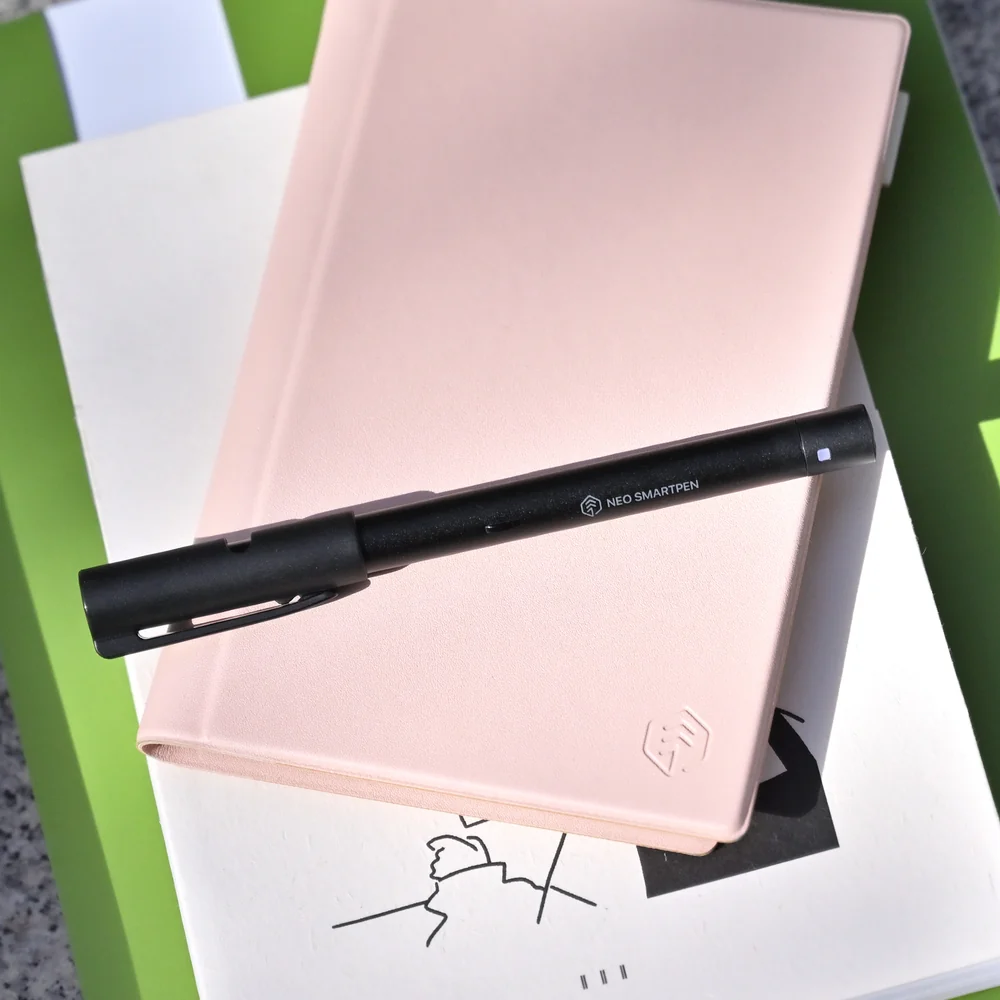
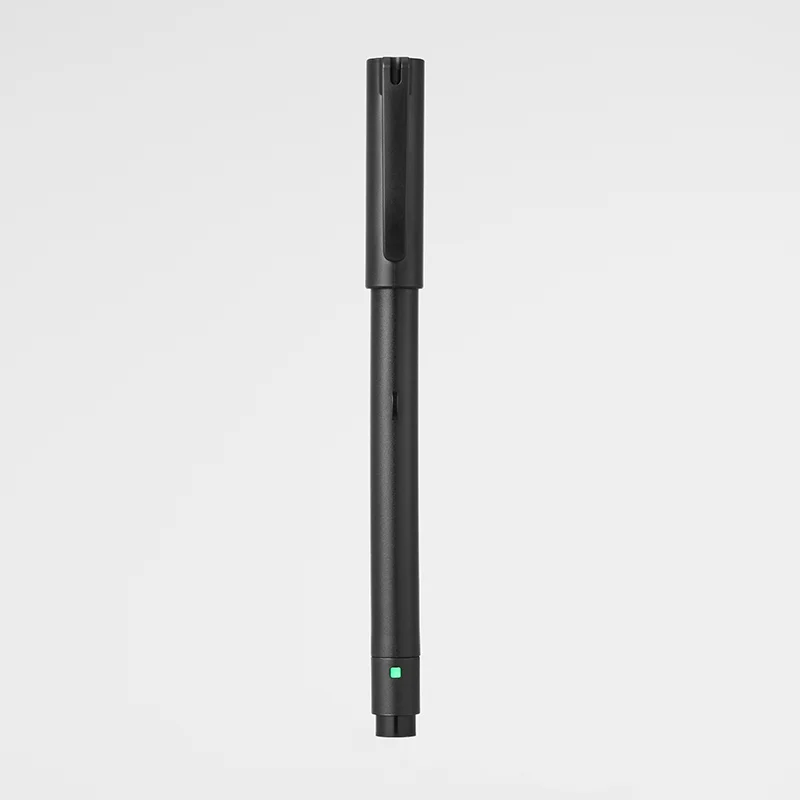
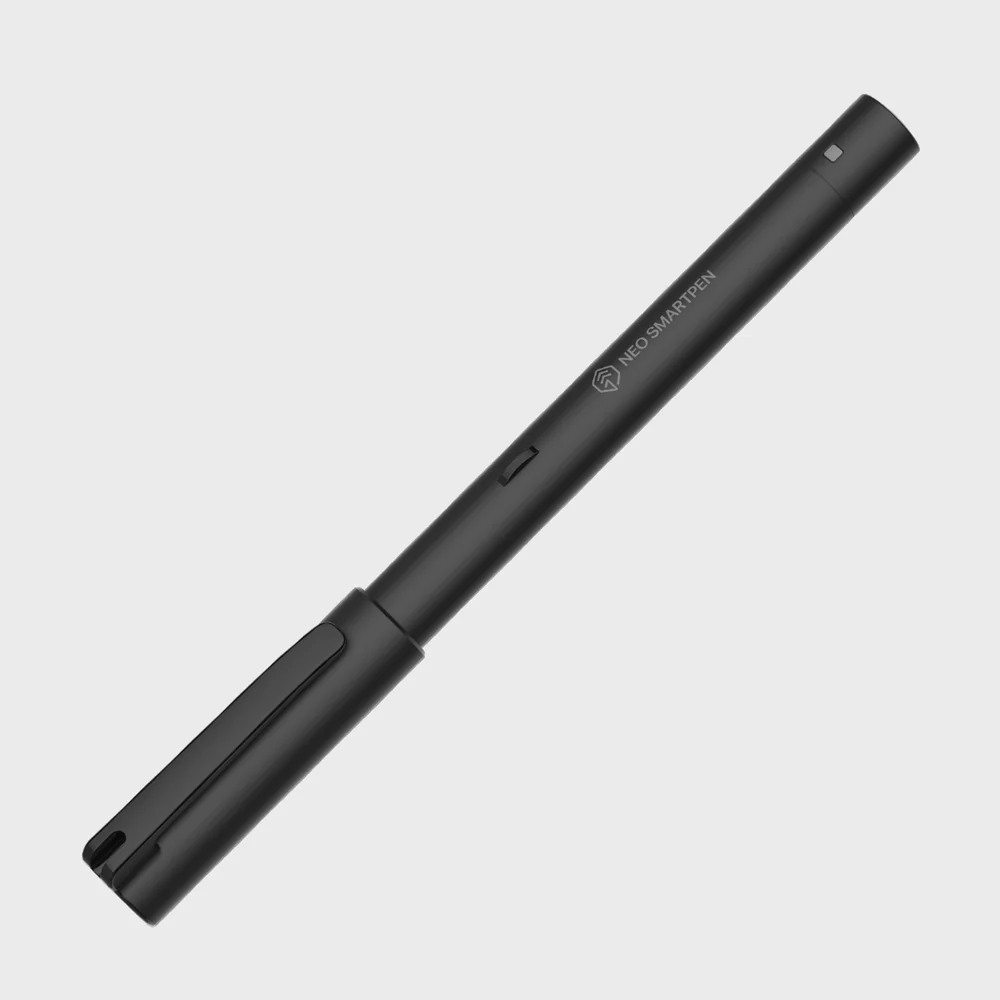
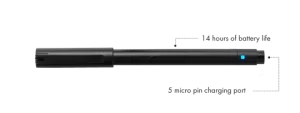
The Neo Smartpen R1 writes like an ordinary pen, because it is one. Real ink, standard refills, nothing on the barrel announcing itself as a gadget. But every stroke is also captured and sent to the Neo Studio app, where your handwriting becomes something you can search, edit, transcribe and share.
What it does
Syncs as you write. Connected over Bluetooth, your notes appear on screen in real time. Away from your devices, the pen holds up to 20 A4 pages on its own and pushes everything across the moment you reconnect.
Turns handwriting into text. Transcribe a page into editable text in any of 35 languages, then paste it straight into an email or document. No retyping.
Lets you edit ink. Select any word or stroke after you’ve written it and change its colour, thickness or size. Copy, paste, move and rotate work the way you’d expect.
Makes everything findable. Every note you write is searchable by keyword. Sort by notebook, subject or date. Export as text, PNG, PDF or a shareable link.
Specification
| Connection | Bluetooth |
| Battery life | Up to 14 hours |
| Onboard storage | Up to 20 A4 pages |
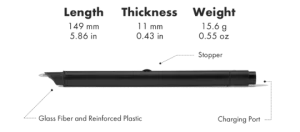
| Charging | USB Type-C |
| Languages recognised | 35 |
| Export formats | Text, PNG, PDF, web link |
| Finish | Matte black |
| Compatible with | iOS, Android, Windows, macOS |
In the box
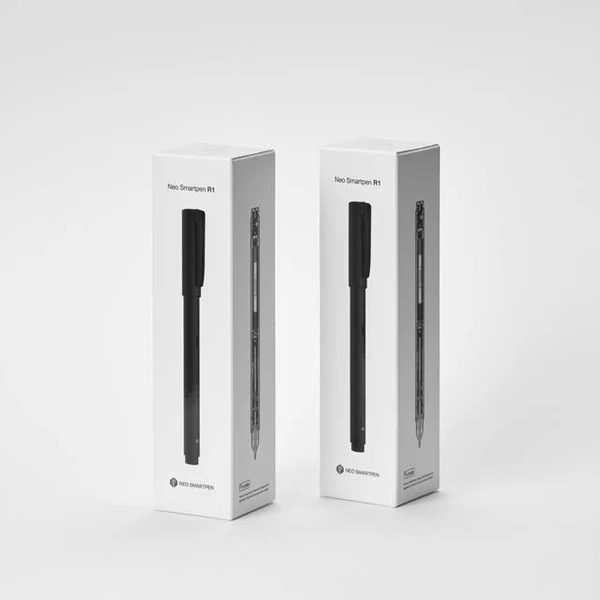
Neo Smartpen R1 with one cartridge fitted, carry case, USB Type-C charging cable.
Refills
The R1 takes standard D1-type refills. Eighteen are verified for best recognition accuracy, including Zebra 4C, Mitsubishi SE-7, Parker D1, Pilot BRF-8, Staedtler 92RE, Kaweco Soul D1, Schmidt, Ohto and Rotring. Other refills will write fine but may reduce transcription accuracy.
Note on paper
The R1 reads a fine dot pattern printed on Neo notebooks, sold separately. The app can also print pattern pages for you.