A 180-degree Chromebook built to military drop standards, light enough to carry all day, and simple enough to deploy across a whole year group.
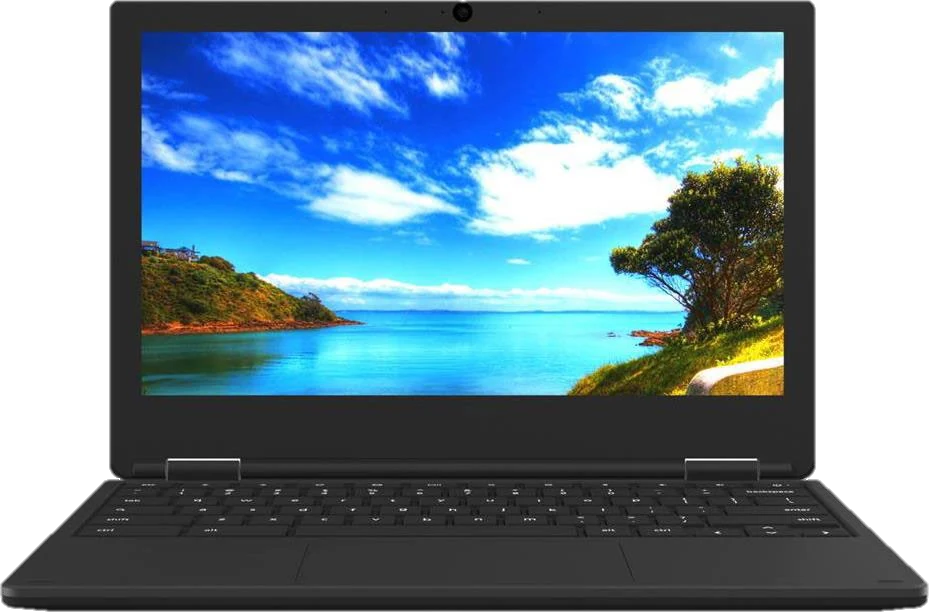
Devices in schools don’t fail gracefully. They get dropped down stairwells, shut on pencils and carried in bags with water bottles. The E3C-3 is built for that, not for a desk.
Powered on, in every direction, onto plywood over steel over concrete.
The E3C-3 goes through multiple MIL-STD-810H procedures — drop, shock and vibration — so the ruggedisation is a measured standard rather than a marketing word. The plastic clamshell takes the knocks a school bag delivers daily.
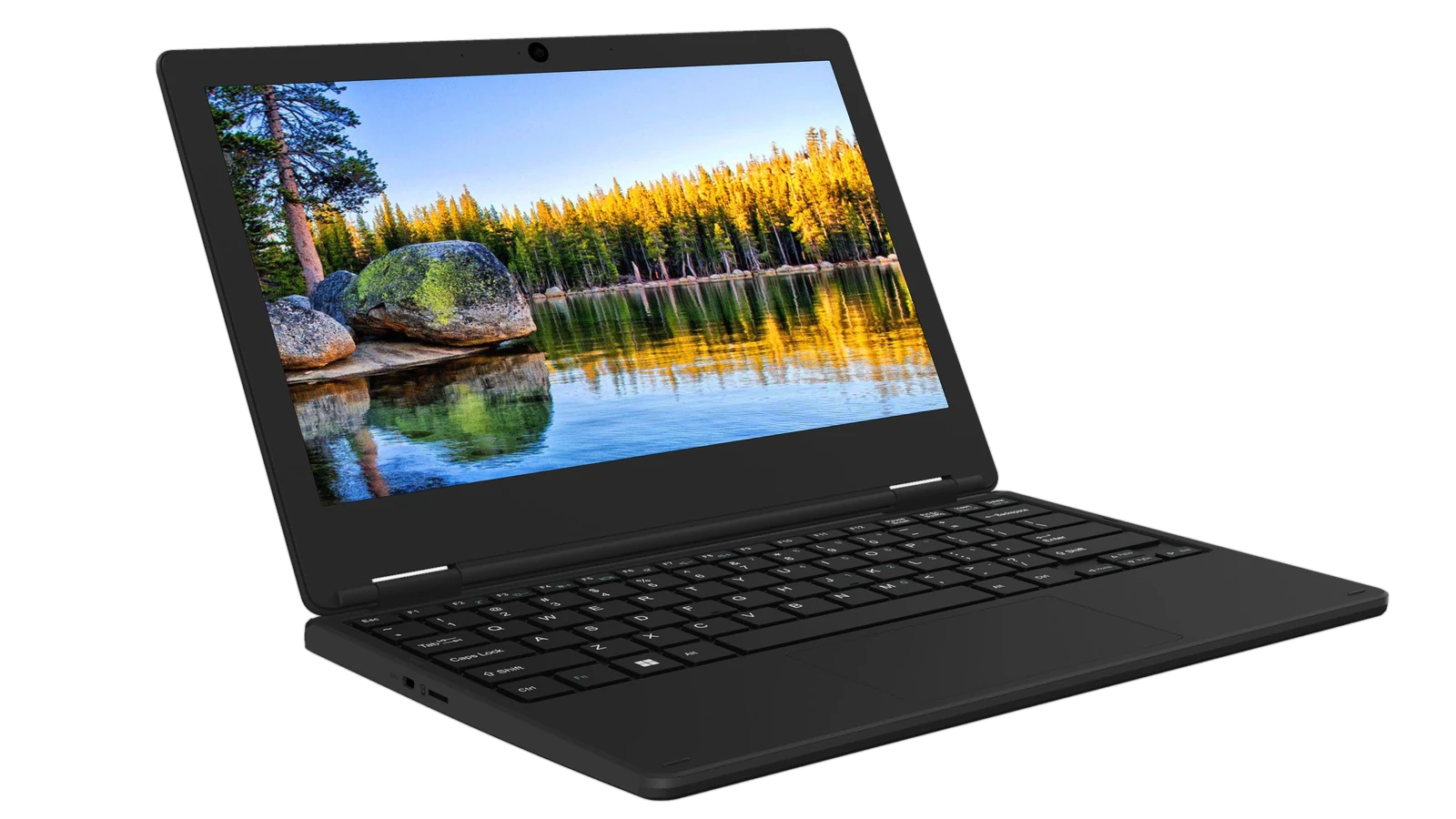
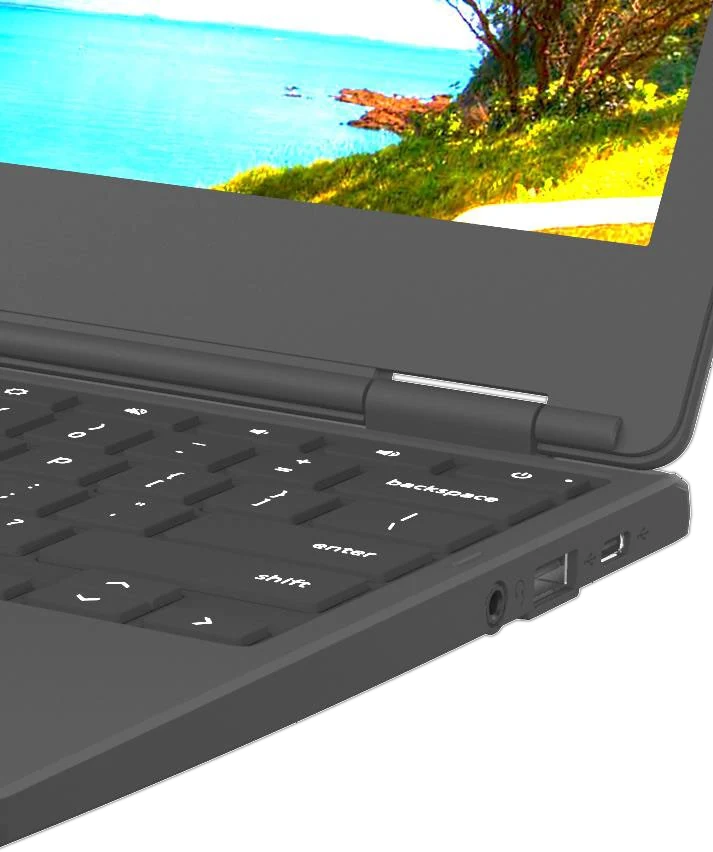
The fold-flat hinge lets the screen sit level with the desk, so a pair or a group can read the same thing without anyone craning. It also means one fewer stress point when a lid gets pushed too far.
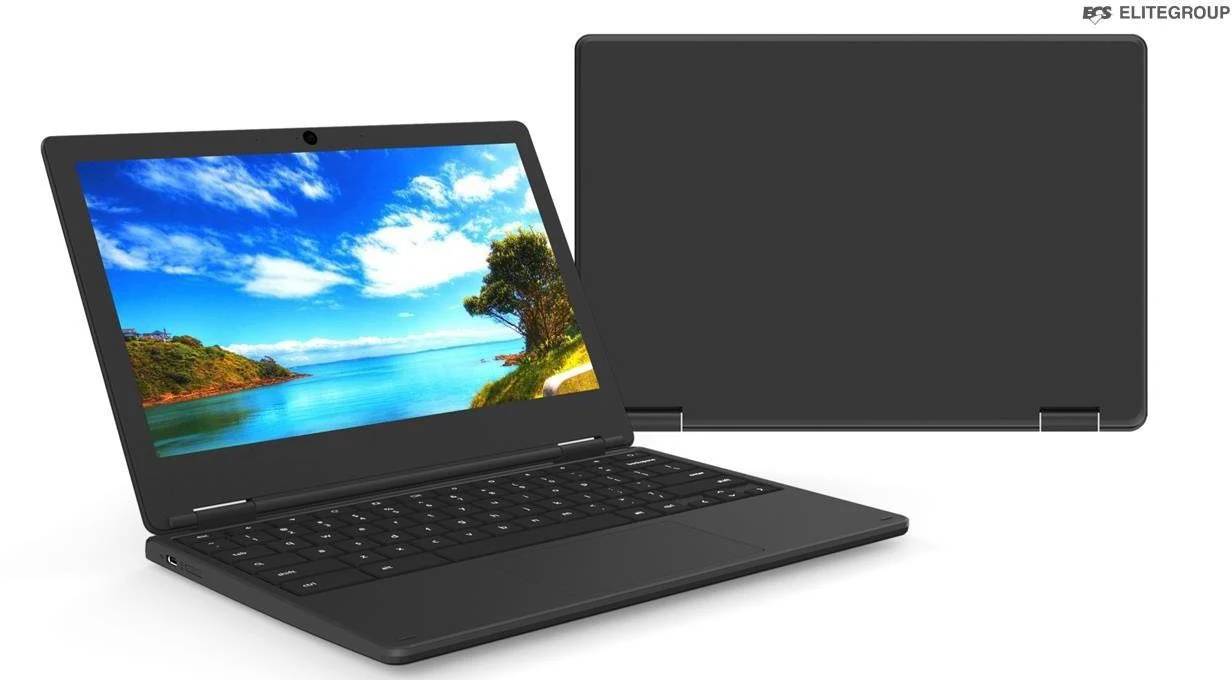
287 × 199 mm and 1.17 kg. It disappears into a backpack alongside books rather than replacing them.
A full school day and the journey home on one charge. USB-C Power Delivery means it charges fast and from the same brick as a phone.
Boots in seconds, updates itself, and runs well on modest hardware. Nothing to image, nothing to reinstall.
Dual-band 802.11ax Wi-Fi 6 keeps a full classroom online at once. With the optional 4G LTE module and a nano SIM, students without reliable home broadband stay connected for homework and videoconferencing.
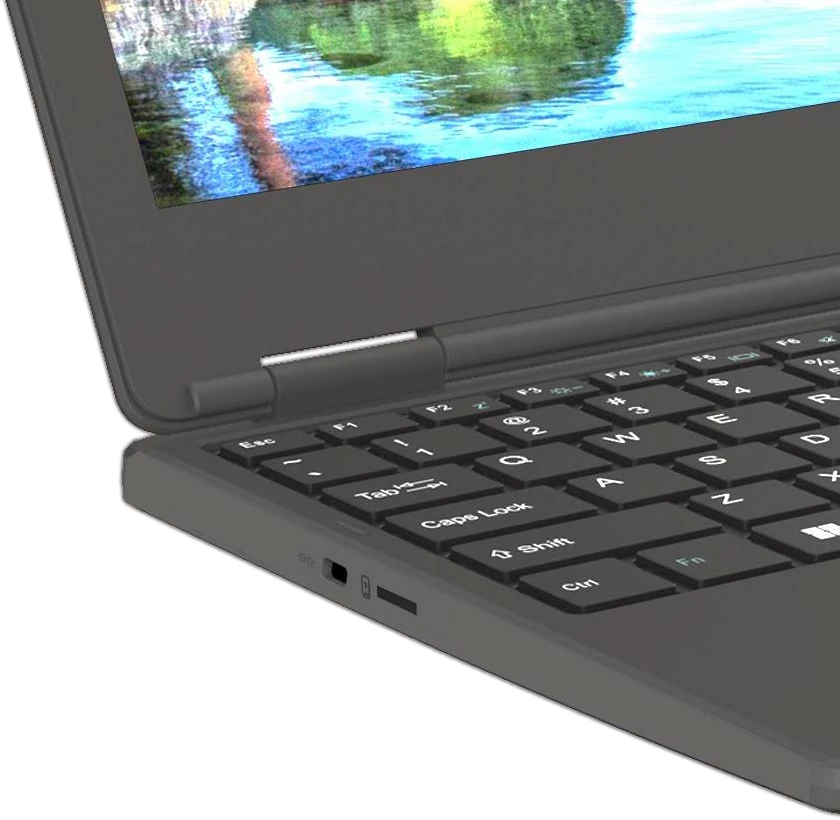
The USB 3.2 Gen 1 Type-C port carries data, Power Delivery and DisplayPort video. Plug into a monitor or classroom display for research on one screen and writing on the other — no adapter, no dongle drawer.
Configurable by processor, storage, display and connectivity. Tell us your deployment and we’ll confirm the build.
| Processor | Intel® Celeron® N4500 / N5100, or Intel® Pentium® Silver N6000 |
|---|---|
| Graphics | Intel® UHD Graphics — up to 750/800 MHz (Celeron), up to 850 MHz (Pentium Silver) |
| Display | 11.6″ 1366 × 768 — IPS or TN |
| Memory | 4 GB LPDDR4x |
| Storage | 32 GB or 64 GB eMMC 5.1 |
| Operating system | Chrome OS |
| Wi-Fi | 802.11ax 2×2 Wi-Fi 6 (AX201, optional) or 802.11ac 2×2 — dual band 2.4/5 GHz |
| Bluetooth | Bluetooth 5 |
| Mobile broadband | Optional LTE — WCDMA Band 2/4/5, LTE FDD Band 2/4/5/12/13/66/71 |
| Camera | 1 MP fixed focus, front, with activity LED |
| Battery | Li-polymer, non-removable — 5350 mAh / 41 Wh or 5900 mAh / 45 Wh |
| Battery life | Up to 10 hours |
| Ports | 1 × USB 3.2 Gen 1 Type-C (data, Power Delivery, DisplayPort) 1 × USB 3.2 Gen 1 Type-A 1 × combo audio jack 1 × Kensington lock Optional: second USB-C, microSD, nano SIM |
| Durability | MIL-STD-810H, 122 cm drop test |
| Hinge | 180° fold-flat |
| Dimensions | 287 × 199 × 18.5 mm |
| Weight | 1.17 kg |
| Chassis | Clamshell, plastic case |
Battery life varies by configuration, applications, power settings and use. Features marked optional depend on the configuration ordered.
We supply the E3C-3 to schools, universities and businesses across India, configured to your requirement and priced by volume. Tell us roughly how many units and when you need them, and we’ll come back with a quote.
Chromebooks run Chrome OS. Web applications, Google Workspace and Android apps from the Play Store all work. Traditional Windows desktop software does not — if your institution depends on a specific Windows application, tell us and we’ll advise before you order.
Through Google Admin Console with Chrome Education Upgrade licences, which are purchased separately. That gives you device enrolment, policy enforcement and remote management. We can advise on licensing alongside the hardware.
The device is dropped from 122 cm in each direction, powered on, onto plywood over steel over concrete. It’s a recognised durability standard rather than a manufacturer claim, though it isn’t a guarantee against every kind of damage.
Yes. Processor, storage, display panel, Wi-Fi generation and LTE are all configurable. Volume orders are built to your specification.
The E3C-3 carries the manufacturer’s standard warranty. Terms for institutional and volume orders are confirmed at quotation.
It depends on configuration and quantity. Contact us with your requirement and we’ll confirm availability.